 Built on Claude Managed Agents
The package manager for AI agents
Pre-built agent harnesses for the Claude ecosystem.
No agent loop to build — just install and run.
Step 1 — Install anpm
Copy and paste into your terminal
Official Claude Ecosystem
Claude Managed Agents
Official Platform
MCP Protocol
Tool Standard
.claude Standard
Agent Config
Claude Code
Runtime
2Browse Harnesses
One command. Entire workflow.
Each harness is a production-ready agent pipeline. Install once, and let agents handle the rest — from planning to final output.


Why anpm
Why teams choose anpm
Stop reinventing the agent loop. anpm gives you production-ready harnesses that drop into your Claude Code environment with a single command.
0
Zero Setup
No scaffolding, no boilerplate. One install command and your agent is ready to run inside Claude Code.
⚡
Production-Grade
Every harness ships with error handling, retry logic, and streaming output — battle-tested before it reaches you.
☁
Claude-Native
Built on the official Claude Managed Agents architecture. Skills, rules, and prompts structured the way Anthropic intended.
⇅
Deploy Anywhere
Run locally in Claude Code or deploy to a server. The same harness works in both environments without modification.
Claude Managed AgentsMCP Servers.claude SkillsBash & File OpsWeb SearchSSE Streaming
Based on Anthropic's Agent ArchitectureWhat is a Harness?
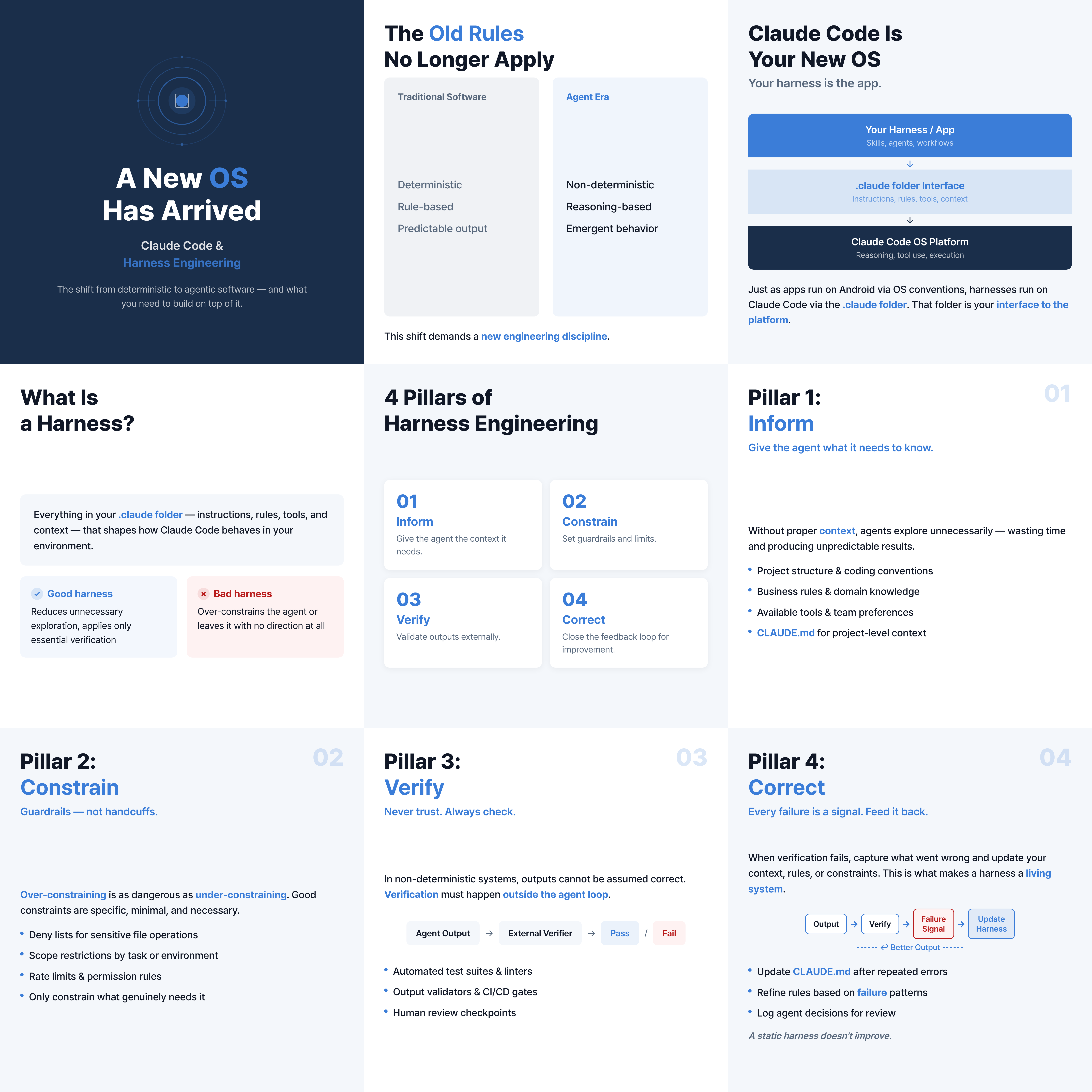
A harness is a complete, pre-wired agent environment. It bundles the prompt, tools, skills, and configuration needed to run a specific workflow — so you never build the same plumbing twice.
| Concept | In anpm |
|---|---|
| Agent | Prompt + Tools + Skills bundle |
| Environment | Auto-configured by anpm install |
| Session | Runs directly in Claude Code |
| Events | Real-time SSE streaming output |
Define
anpm create
Scaffold a new harness with the correct folder structure and manifest.
Install
anpm install
Pull a published harness into your local Claude Code environment.
Run
claude
Launch Claude Code — the harness activates automatically, no extra steps.
Deploy
anpm publish
Share your harness publicly or keep it private for your team.
3Install & Run
One line to install,
ready to use
1
Install anpm globally
Run the install command in your terminal once. anpm is available everywhere from that point on.
2
Pick a harness
Browse the catalog and copy the install command for any harness that fits your workflow.
3
Launch Claude Code
Open Claude Code in your project folder. The harness is active and ready — just start working.